For macOS · Zoom, Google Meet, Teams
Say the right thing.
Close the deal.
Palmcard briefs you before the call, shows your next line while they talk, and remembers everything after. In your words. From your facts.
THEMOkay, and what would this cost for a team of ten?
Honestly, it depends on how many calls your team runs. I'd rather check than guess. Can I send you exact numbers today?
Deals don't die in the pitch. They die in the pause.
“So what does it cost?”
Your mind goes blank, and you guess a number.
“We already use something for that.”
You get defensive, and they go cold.
“Let me think about it.”
You don't know what to say, so the deal stalls.
“Like we discussed last time…”
You can't remember what you promised.
Palmcard has your next line ready for every one of them. So you close instead of freeze.
They see your call. Not your card.
Palmcard floats over any app, and stays out of screen shares and recordings.
 Karan Shah
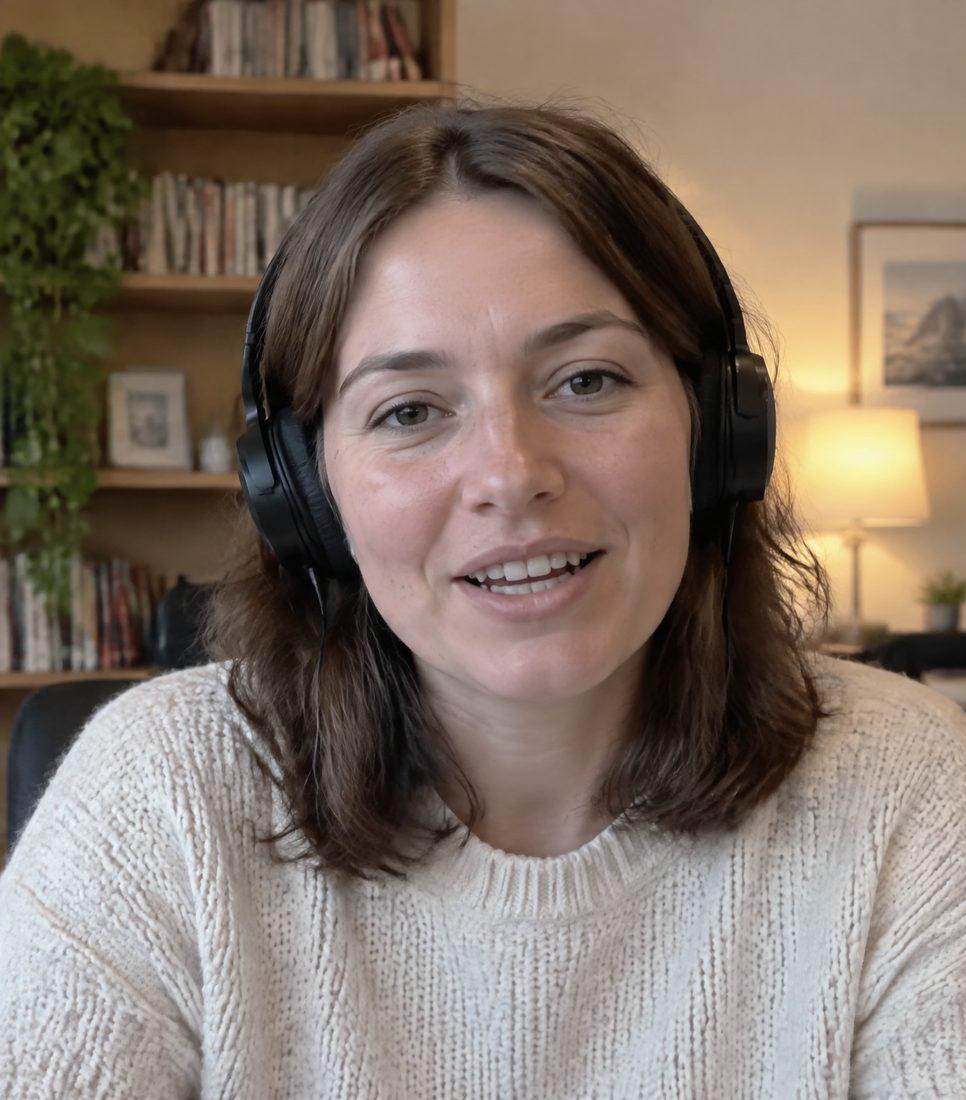 YouKaran ShahYou
THEMWe already use a shared inbox, to be fair.
That makes sense, a shared inbox works for a lot of teams. What's starting to feel like a stretch with it?
Drag to compare
How it works. Four simple steps.
Before the call
Know who you're talking to.
Type their name and website. Palmcard looks them up and gives you a short brief.
Karan Shah
Head of Customer Experience, Brightline Foods
- Runs support for 40 restaurant clients across Malta
- Posted last month about slow WhatsApp replies
- Likely objection: already pays for a shared inbox
On the call
It listens to both of you.
Just start your Zoom, Meet or Teams call. Palmcard hears you and them. Nothing to install in the meeting.
We already use a shared inbox, to be fair.
That makes sense. What's starting to feel like a stretch?
Honestly, replies on WhatsApp take hours.
When they ask
Your answer appears.
When they stop talking, your next line shows up, usually in about a second.
THEMOkay, and what would this cost for a team of ten?
Honestly, it depends on how many calls your team runs. I'd rather check than guess. Can I send you exact numbers today?
After the call
It remembers everything.
You get a summary. Next time you call them, Palmcard picks up right where you left off.
Intro callMon 14 Sep
Wants pricing for 10 people
Follow-upFri 18 Sep
Promised: breakdown by Friday
Call 3Today
Continues from last call
Only your facts. Never a made-up number.
Palmcard only uses what's in your documents and your notes. When it doesn't know, it says so, the way a good salesperson would.
THEY ASKCan you do it for under €200 a month?
A typical AI assistant
Absolutely! Our plans start at just €150 and we can include priority support at no extra cost.
Invented price. Invented promise.
Palmcard
I don't want to guess on price. Let me check what fits a team your size and send it over today.
Honest, and it keeps the deal moving.
It sounds like you, not like a robot.
A 10-minute interview teaches Palmcard how you talk: your words, your pace, how you handle a no. Every line it writes follows that.
Interview · question 4 of 12
“Why should I switch from what we use now?”
Answer out loud- Short sentences
- Asks before pitching
- Says “honestly”
- Warm, never pushy
- Plain English
- Uses first names
0.5–1.1 s
from their last word to your next line, measured in end-to-end tests
2 voices
yours and theirs, kept apart so replies never answer yourself
EU
transcription servers, with calls and summaries saved on your Mac
0
bots joining your meeting. It runs quietly on your laptop
Private by design. Quiet by default.
Hidden from screen share
The card is excluded from screen sharing and recordings on macOS.
Stays on your Mac
Transcripts, summaries and your documents are stored locally, not on our servers.
No bot in the meeting
Nobody sees a note-taker join. Palmcard listens through your laptop.
Consent built in
Palmcard reminds you to tell people the call is transcribed, as EU law requires.
Priced by the hour you spend selling.
Starter
For founders taking a few sales calls a week.
€49per month
- 10 call-hours a month
- Live next-line replies
- Pre-call brief for every meeting
- Summary after every call
Pro
RecommendedFor people who sell every day.
€149per month
- 40 call-hours a month
- Everything in Starter
- Memory across every call with a client
- Your voice profile
- Priority support
Team
For sales teams and agencies, 3 seats or more.
From€99per seat, per month
- 30 call-hours per seat
- Shared company documents
- Onboarding session for your team
- One invoice
Founding members get 25% off for life. Extra call-hours: €10 for 5. Prices exclude VAT.
Questions, answered.
Can the other person see Palmcard when I share my screen?
No. The card is excluded from screen sharing and recordings on macOS. Some apps that use Apple's newest capture method can still pick up hidden windows, so the safest habit is to share a single window or tab rather than your whole screen.
Does it join the meeting like a note-taker bot?
No. Nothing joins your call. Palmcard runs on your Mac and listens to your microphone and the call audio.
What happens when it doesn't know the answer?
It tells you to say so honestly, for example that you'll check and come back today. It never invents prices, features or results that aren't in your documents.
Which meeting apps does it work with?
Anything that plays sound on your Mac: Zoom, Google Meet, Microsoft Teams, Webex, Slack huddles and phone calls through your laptop.
Do I need to tell the other person?
Yes. In the EU and many other places you must tell people when a call is transcribed. Palmcard reminds you at the start of every call.
Is there a Windows version?
Not yet. Palmcard runs on macOS 14.2 or newer, on both Apple Silicon and Intel Macs. Windows is planned.
Where are my calls stored?
On your Mac. Transcripts, summaries and your documents stay local. While you talk, audio is streamed to our transcription provider in the EU, and the text of the conversation is sent to our AI providers to write your replies.
Your next call is coming.
Bring a Palmcard.
Early access opens in small groups. Leave your email and we'll send your invite.